Hyper-Realistic AI Photo Prompts — Fool Everyone in 2026
Master the art of creating photorealistic AI images that look like they came from a professional camera.
">Camera-Specific Language: The #1 Realism Hack
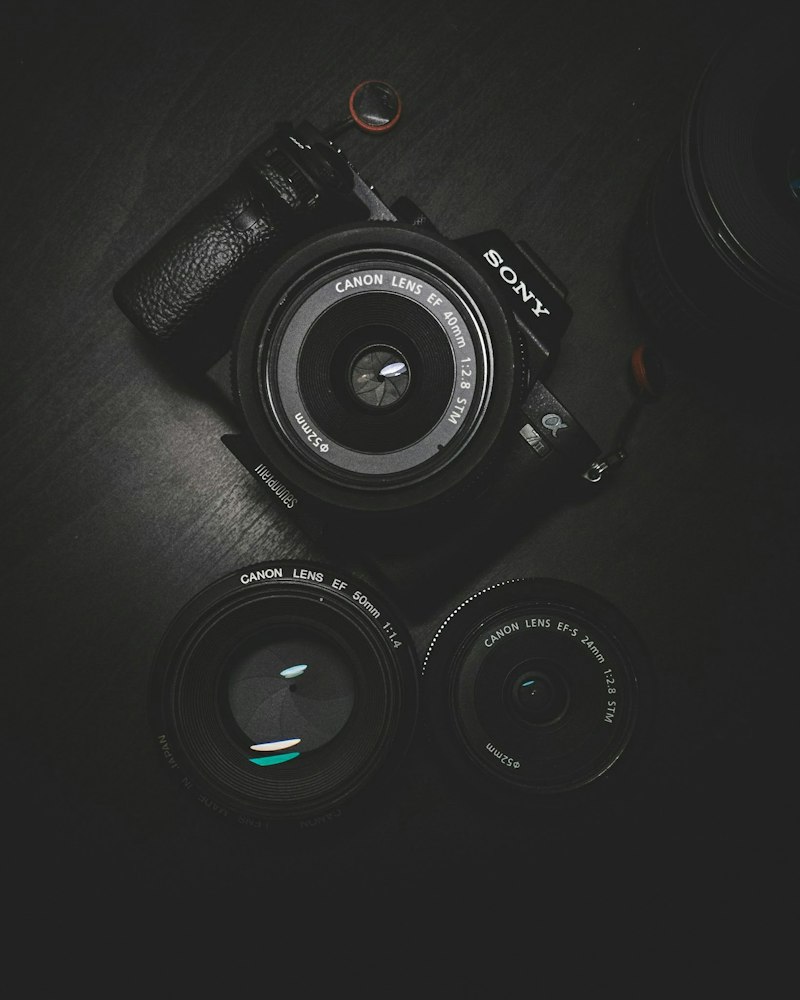
Camera-specific language is the single most important factor for photorealism. AI models like Midjourney, FLUX, and Stable Diffusion have been trained on millions of photographs that include EXIF metadata — camera model, lens, focal length, aperture, ISO, and more. When you reference these specifics in your prompt, the AI replicates the optical characteristics of that exact equipment. Instead of "realistic photo of a woman", write: "Candid portrait of a 28-year-old woman at a cafe, natural window light, Canon EOS R5, 50mm f/1.4, ISO 400, shallow depth of field, raw photo, unedited". The difference is dramatic. Here are the most effective camera references for different scenarios: Portraits — "Canon EOS R5, 85mm f/1.2" (creamy bokeh, sharp subject), "Sony A7IV, 50mm f/1.4" (natural perspective), "Nikon Z9, 105mm f/1.4" (compressed background, flattering). Street photography — "Leica M11, 35mm f/2" (classic documentary feel), "Fuji X-T5, 23mm f/1.4" (punchy colors, film simulation). Landscapes — "Fuji GFX 100S, 32mm" (medium format detail), "Sony A7RV, 16-35mm f/2.8" (wide, sharp corner-to-corner).
">Film Stock References: Instant Analog Authenticity
Film stock references add organic qualities that scream "real photo" because they introduce the specific color science, grain patterns, and tonal characteristics of physical film. Kodak Portra 400 produces warm skin tones with lifted shadows and a slight orange-teal split — perfect for portraits and lifestyle shots. Fuji Pro 400H renders soft, muted pastels with a slight green shift — ideal for weddings and dreamy outdoor scenes. CineStill 800T produces cinematic tungsten-balanced tones with halation (that signature red glow around highlights) — perfect for neon-lit urban night photography. Ilford HP5 produces punchy, grainy black and white with rich midtones. Kodak Ektar 100 gives saturated, vivid colors with fine grain for landscape photography. Adding "shot on Kodak Portra 400, 35mm film, natural grain" to any portrait prompt instantly adds a layer of analog authenticity that is nearly impossible to achieve with digital-style prompts. The grain, the color shifts, the imperfect highlight rolloff — these are the subtle cues that make viewers feel they are looking at a real photograph.
">The Art of Imperfection
Imperfection is the key to realism that most AI artists overlook. Real photos have subtle grain, slight motion blur in the extremities, imperfect focus falloff, and natural skin texture including pores, fine lines, and uneven tones. The instant you add "natural skin texture, pores visible, slight film grain, authentic, candid moment" to your prompt, you break free from the uncanny "obviously AI" plastic-skin aesthetic. Equally important: avoid terms like "perfect, flawless, 8K, ultra HD, masterpiece" which push toward hyper-polished, over-sharpened results. Real photographers do not describe their images as "8K masterpiece" — they describe them as "raw, unedited, natural." Other imperfections that sell realism: "slight lens vignette," "natural color cast," "ambient light spill," "subtle chromatic aberration," "slightly overexposed highlights." Each imperfection you add makes the image feel more captured than created.
">Tool-by-Tool Guide for Maximum Photorealism
For the most photorealistic results in 2026, here is a tool-by-tool breakdown. ">FLUX Pro delivers the best realistic portraits and product photography. Its photographic training data is superior, and it renders skin, fabric, and light physics with uncanny accuracy. Use natural, descriptive prompts — FLUX does not need "8K sharp" modifiers. Focus on describing the scene like a photographer would describe a shot to an assistant. ">Midjourney v6.1 with --style raw produces stunning documentary-style realism. The --style raw parameter is non-negotiable for photorealistic work — it strips Midjourney's default artistic beautification. Combine with --s 0 to --s 50 for maximum prompt adherence. Stable Diffusion with RealVisXL or JuggernautXL checkpoints offers free photorealistic generation that rivals paid tools. Use these checkpoints with a CFG scale of 4-7 (lower than default) and a denoising strength that allows the model to produce natural-looking results without over-sharpening.
">10 Copy-Paste Hyper-Realistic Prompts
Here are 10 proven prompts that consistently produce photo-realistic results:
1. "Candid street portrait of a man in his 40s, salt and pepper stubble, weathered denim jacket, leaning against a brick wall, overcast natural light, Leica Q2, 28mm, authentic moment, slight grain"
2. "Young woman reading in a sunlit cafe window, steaming coffee on the table, soft diffused daylight, Canon EOS R5, 50mm f/1.4, shallow depth of field, Kodak Portra 400 tones"
3. "Fresh ramen bowl on a dark wooden counter, steam rising, chopsticks resting on the rim, dramatic single overhead light, shot on Sony A7RV, 90mm macro, food photography, warm tones"
4. "Golden retriever running through shallow ocean waves at sunset, water splashing, backlit by golden light, Canon EOS R3, 70-200mm f/2.8, fast shutter, action pet photography"
5. "Aerial drone view of a winding mountain road through autumn forest, fog in the valleys, sunrise light, DJI Mavic 3, landscape photography, vivid fall colors"
Browse our full collection of 50 hyper-realistic photo prompts on PromptSpace — each carefully tested to produce images so real they could be in National Geographic. Visit promptspace.in and start creating today.